Back to projects

Project case study

  • Demonstration project
  • Python automation
  • Sample data
  • Private repository
  • Functional application

Python Automation: Operational Intelligence

A demonstration platform showing how data processing, consolidation, and report-generation routines can be automated with Python and integrated into a web application.

The published application runs on Next.js and TypeScript. Python runs only in the local environment to generate versioned artifacts; the deployment does not start a Python runtime.

  • Local data generation
  • Payload validation
  • Data-quality analysis
  • Sample reports
  • Demonstration web interface
My roleData Automation and Web Development
Technologies used
  • Python 3
  • Next.js
  • TypeScript
  • Zod
  • Tailwind CSS
  • Vitest
  • Vercel

Private repository; audited reference on the main branch, commit 3ded093.
Private source codeVerifiable technical evidence is documented in this case study.
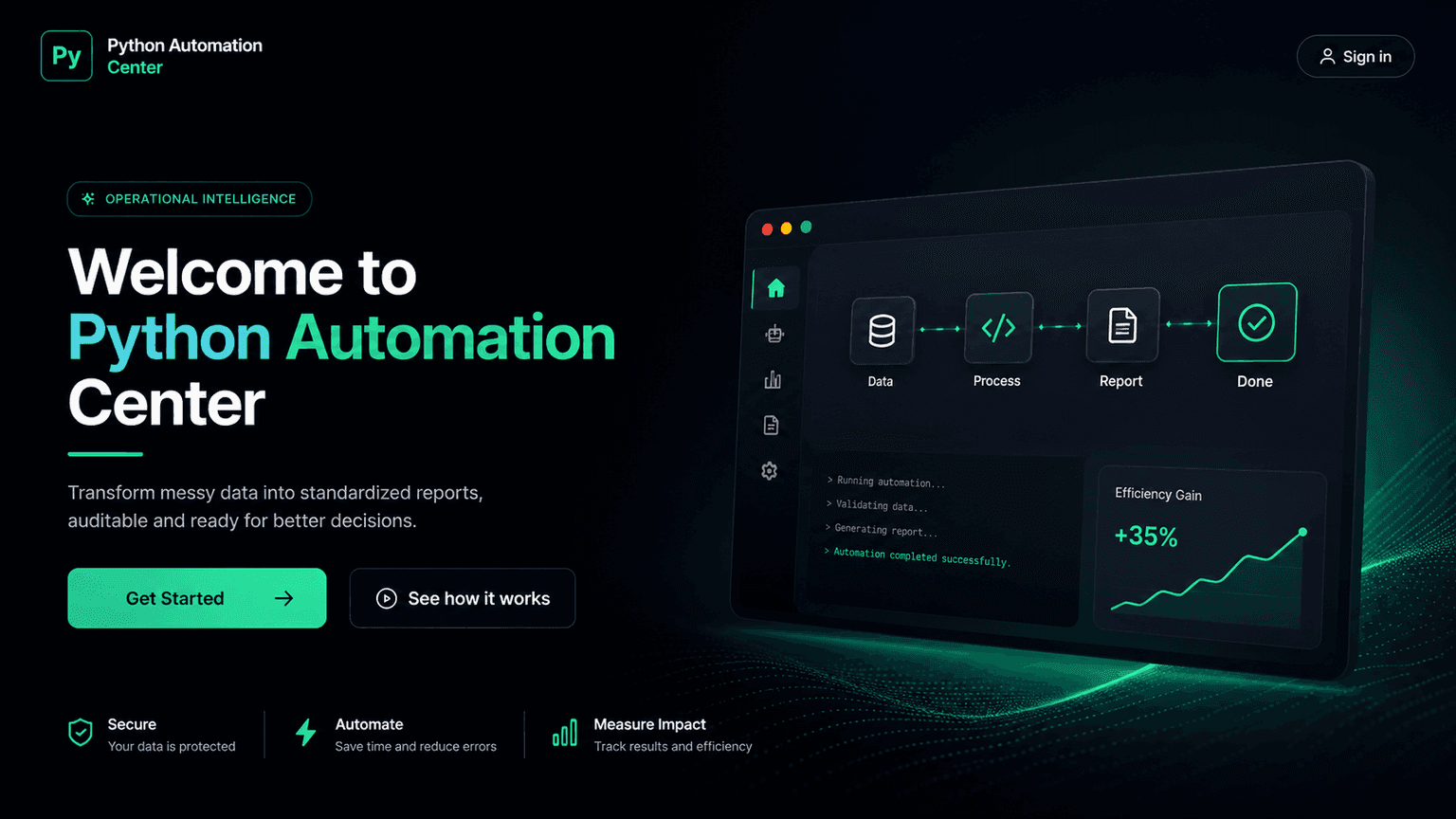
English presentation mockup for Python Automation Center.
English promotional mockup with an illustrative efficiency value; it is not evidence of an operational result.

Overview

Summary

A demonstration automation platform for data processing, file consolidation, and report generation with Python.

Problem

Manual data-cleaning, consolidation, and reporting workflows can consume time, create inconsistencies, and reduce traceability.

My role

Workflow structuring, script and interface development, validation definition, and input, output, and limitation documentation.

Modeled automations
8
Published demo / count from /api/executions, synthetic scenario / 13 Oct 2026
Processed records
12,290
Published demo / sum of records in /api/executions, synthetic scenario / 13 Oct 2026
Hours saved
90.2h
Published demo / sum of hoursSaved, fixed generator assumption / 13 Oct 2026

Inputs, data, and assumptions

The deployment receives identifiers and options as JSON; it does not offer file uploads. The available CSV, JSON, and HTML files are static samples generated locally and committed to the repository.

Names, documents, and values are fictional. The raw sample contains four records, and the Python generator defines eight demonstration automations with no connection to business data. The 12,290 records and 90.2 hours shown on the case add up the eight simulated executions the app publishes at /api/executions.

Deployment input
JSON with slug or ID, rules, and mode
Script input
Constants and data/automations.json
Versioned formats
CSV, JSON, and HTML
Personal data
Explicitly fictional names and document numbers
Persistence
Static files; no database
Explicit limit
100 KB on the data-quality endpoint
Data structure

Modeled entities

  • Automation: catalog and parameters for the demonstration scenario.
  • DatasetRecord: tabular record used by the raw and processed samples.
  • RuleDefinition: rule enabled in the simulated execution response.
  • DataQualityIssue: issue detected by column, type, and severity.
  • AutomationRunResult: JSON response with logs, audit trail, and static files.
  • GeneratedFile: metadata and public path for a versioned sample.

Automation architecture

These boundaries reflect the public implementation: local Python generates artifacts, while the deployment runs only the Next.js application and lightweight TypeScript functions.

  1. Web interface

    Next.js sends JSON and presents progress and logs; visual progress uses timers.

  2. Route Handlers

    TypeScript functions validate requests and respond with 200, 400, 404, or 413.

  3. TypeScript rules

    Modules analyze versioned JSON; they do not call Python or an external service.

  4. Versioned artifacts

    JSON, CSV, and HTML store scenarios and downloads; there is no database, queue, or persistence.

  5. Local Python

    Two Python 3 scripts with no external dependencies generate artifacts before deployment.

Automated workflows

Each workflow is classified by its actual implementation level without treating local scripts, serverless functions, and interface animations as equivalent.

Workflow / objectiveStateInput and processingOutputValidation / error
Python data and report generationProduce sample datasets and reports for the demonstration scenario.Runnable from the repositoryUses constants and data/automations.json to write JSON, CSV, and HTML under data/ and public/samples/.Raw and processed samples, logs, and report previews.Local execution with no PDF, scheduling, or deployment runtime; failures terminate the script.
Structured automation runDemonstrate rule selection, progress, logs, and files associated with a workflow.Interface demonstrationThe UI sends JSON; a TypeScript Route Handler validates the payload and builds a response from versioned data.Response with status, logs, audit trail, and sample-file paths.Progress uses timers and does not represent a Python transformation or production file processing.
Data-quality analysisDetect issues in a fictional dataset identified in the catalog.Functional in the applicationThe TypeScript endpoint applies deterministic rules to JSON imported at build time and returns the report.Field-level issues, completeness, counts, and technical recommendations.Works only with internal datasets, accepts no upload, and limits the request body to 100 KB.

Python data and report generation

Produce sample datasets and reports for the demonstration scenario.

State
Runnable from the repository
Input and processing
Uses constants and data/automations.json to write JSON, CSV, and HTML under data/ and public/samples/.
Output
Raw and processed samples, logs, and report previews.
Validation / error
Local execution with no PDF, scheduling, or deployment runtime; failures terminate the script.

Structured automation run

Demonstrate rule selection, progress, logs, and files associated with a workflow.

State
Interface demonstration
Input and processing
The UI sends JSON; a TypeScript Route Handler validates the payload and builds a response from versioned data.
Output
Response with status, logs, audit trail, and sample-file paths.
Validation / error
Progress uses timers and does not represent a Python transformation or production file processing.

Data-quality analysis

Detect issues in a fictional dataset identified in the catalog.

State
Functional in the application
Input and processing
The TypeScript endpoint applies deterministic rules to JSON imported at build time and returns the report.
Output
Field-level issues, completeness, counts, and technical recommendations.
Validation / error
Works only with internal datasets, accepts no upload, and limits the request body to 100 KB.

Processing rules

Rules confirmed in the TypeScript code and Python generators. Published transformations operate on sample data.

RuleInputTransformationOutputError behavior
Payload validationRestricts IDs, slugs, modes, formats, and rule lists with Zod schemas.JSON sent to Route Handlers.Checks length, regular expressions, and enums before querying the catalog.Typed object accepted by the domain function.Returns 400 for invalid payloads and 404 for unknown automations or reports.
Data qualityDetects missing fields, invalid dates and types, duplicates, inconsistent text, and outliers.JSON records from the fictional dataset.Traverses the schema, counts IDs, compares text, and applies 1.5 × IQR limits.Record-level issues, impact, and recommendations.Does not fix the source or evaluate uncataloged fields; an unknown dataset returns 404.
Report selectionFinds a static report by slug and adds a timestamp and sections to the response.automationSlug and JSON or HTML format.Queries data/reports.json and assembles a TypeScript payload.JSON response and link to a versioned HTML sample.Does not render PDF or persist a new report; an unknown slug returns 404.

Payload validation

Restricts IDs, slugs, modes, formats, and rule lists with Zod schemas.

Input
JSON sent to Route Handlers.
Transformation
Checks length, regular expressions, and enums before querying the catalog.
Output
Typed object accepted by the domain function.
Error behavior
Returns 400 for invalid payloads and 404 for unknown automations or reports.

Data quality

Detects missing fields, invalid dates and types, duplicates, inconsistent text, and outliers.

Input
JSON records from the fictional dataset.
Transformation
Traverses the schema, counts IDs, compares text, and applies 1.5 × IQR limits.
Output
Record-level issues, impact, and recommendations.
Error behavior
Does not fix the source or evaluate uncataloged fields; an unknown dataset returns 404.

Report selection

Finds a static report by slug and adds a timestamp and sections to the response.

Input
automationSlug and JSON or HTML format.
Transformation
Queries data/reports.json and assembles a TypeScript payload.
Output
JSON response and link to a versioned HTML sample.
Error behavior
Does not render PDF or persist a new report; an unknown slug returns 404.

Technical decisions

Python as a local artifact generator

Reason
Keeps reproducible scripts in the repository without claiming a runtime the deployment does not have.
Consequence / trade-off
The published application does not process files or run Python on demand.

TypeScript Route Handlers with Zod

Reason
Provide input contracts and verifiable responses inside the same Next.js environment.
Consequence / trade-off
The functions suit small payloads and do not replace heavy-processing workers.

Versioned samples for downloads

Reason
CSV, JSON, and HTML make the scenario public and reproducible without extra infrastructure.
Consequence / trade-off
Downloads are static and do not prove an individual user run.
Additional technical decisions

Explicit interface-processing boundary

Reason
Prevents timers, logs, and fictional metrics from being presented as production Python automation.
Consequence / trade-off
The demonstration communicates the workflow but needs architectural evolution for real workloads.

Public evidence

Application verified without sign-in; code paths checked in the private repository, main branch, commit 3ded093.

Public application

Published application

Functional deployment of the Next.js interface and lightweight Route Handlers.

Open evidence

Private source code

Repository at commit 3ded093

Private snapshot used for this audit without depending on the branch's future state.

Implementation references

Public documentation

README and execution limits

Documents local Python, fictional data, static downloads, and no production Python runtime.

Code referenceREADME.md

Code reference

Dataset generator

Python script that creates the catalog and versioned JSON and CSV samples.

Code referencescripts/generate_datasets.py

Code reference

Report generator

Python script that derives data/reports.json and the demonstration HTML file.

Code referencescripts/generate_reports.py

Public endpoint

Execution endpoint

TypeScript Route Handler that validates JSON and assembles a demonstration run.

Code referenceapp/api/automations/run/route.ts

Public endpoint

Data-quality endpoint

Public endpoint with a 100 KB limit, validation, and 400, 404, and 413 responses.

Code referenceapp/api/data-quality/analyze/route.ts

Code reference

Input schemas

Zod contracts for runs, reports, data quality, and history filters.

Code referencelib/validators.ts

Code reference

Execution endpoint test

Covers the structured response and rejection of an unknown automation.

Code referencetests/api-run.test.ts

Generated outputs

Sample data
CSV
Raw and processed datasets
Small samples generated locally and published for download.
Demonstration output
JSON + HTML
Logs, checklist, and report
Static artifacts and a preview created by the local scripts.
Technical response
200 / 4xx
API contracts
Verifiable responses for success, invalid payload, missing item, and excessive size.

This section describes formats and technical responses, not business KPIs. Hours, savings, productivity, and ROI shown in the demonstration are hypothetical values and were not retained as case-study results.

Samples are committed to the repository; endpoint responses can be reproduced with the documented fictional identifiers.

Skills demonstrated

  • Workflow automation with Python for local artifact generation.
  • Cleaning and transformation of fictional data.
  • Input and schema validation with Zod.
  • Consolidation of demonstration files and reports.
  • Integration between versioned scripts and a web application.
  • Workflow, evidence, and limitation documentation.

Limitations and next steps

Confirmed limitations

  • Data and metrics are fictional, with no business use or outcome baseline.
  • Python runs only locally and is not connected to the published workflow.
  • The deployment receives JSON identifiers; there is no CSV, XLSX, PDF, or archive upload.
  • There is no database, upload retention, or persistent history for new runs.
  • Queues, workers, asynchronous processing, authentication, and scheduling are not implemented.
  • The data-quality API limits the request body to 100 KB; other workflows use only the internal catalog.

Coherent enhancements

  • Connect an isolated Python worker for real asynchronous processing.
  • Add validated uploads, secure temporary storage, and a deletion policy.
  • Persist history, logs, and artifacts with authentication and authorization.
  • Instrument queues, observability, alerts, and operational limits.
  • Expand integration tests for files and Python runtime failures.

English presentation mockups are used because the published application is in Portuguese. Their metrics and unsupported formats are illustrative, not measured outcomes or production features.
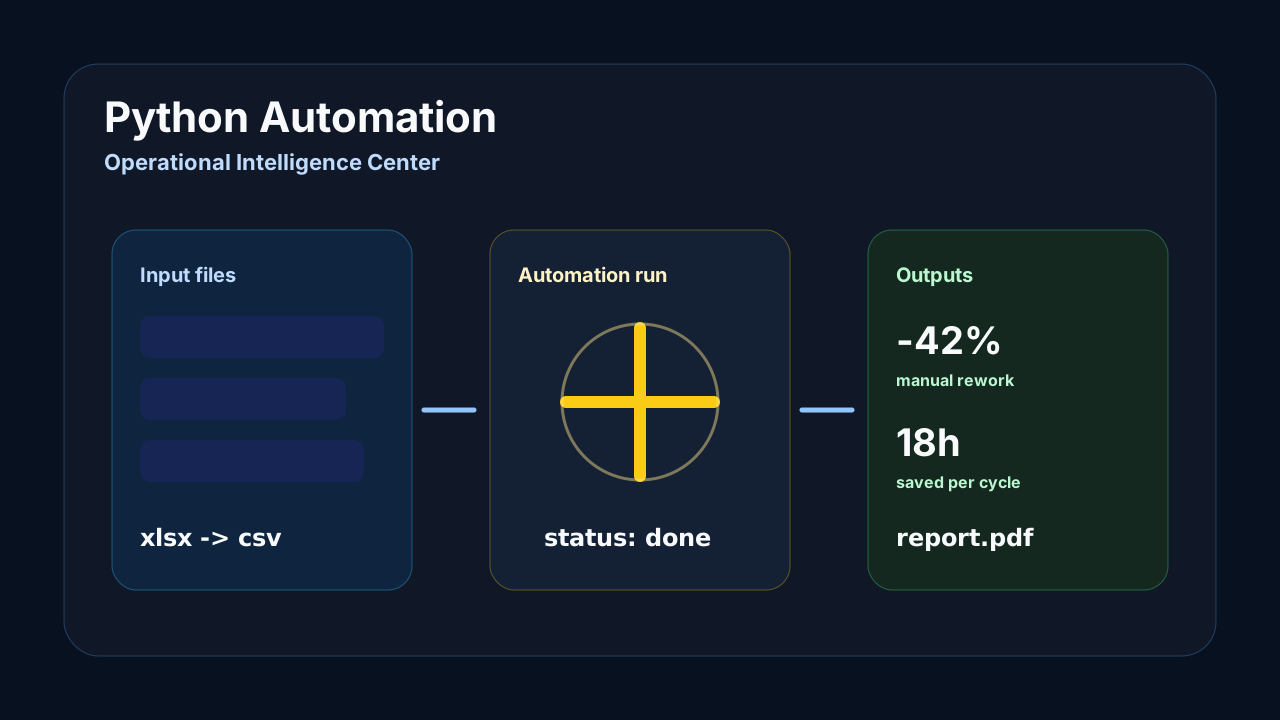
English promotional mockup of the Python Automation Center workflow.
English promotional mockup of the automation journey; the efficiency value and security claims are illustrative.
Conceptual input, automation run, and output flow for the demonstration.
Conceptual mockup of input, execution, and output; XLSX, PDF, saved-time, and rework values are not implemented results.

Optional technical details

How to run
  1. The repository is private; with access, use the main branch at reference commit 3ded093.
  2. Run npm install and npm run dev to start the Next.js application.
  3. Run python scripts/generate_datasets.py and python scripts/generate_reports.py to reproduce local artifacts; there are no external Python dependencies.
  4. Run npm run test to validate the existing contracts and rules.

Next project

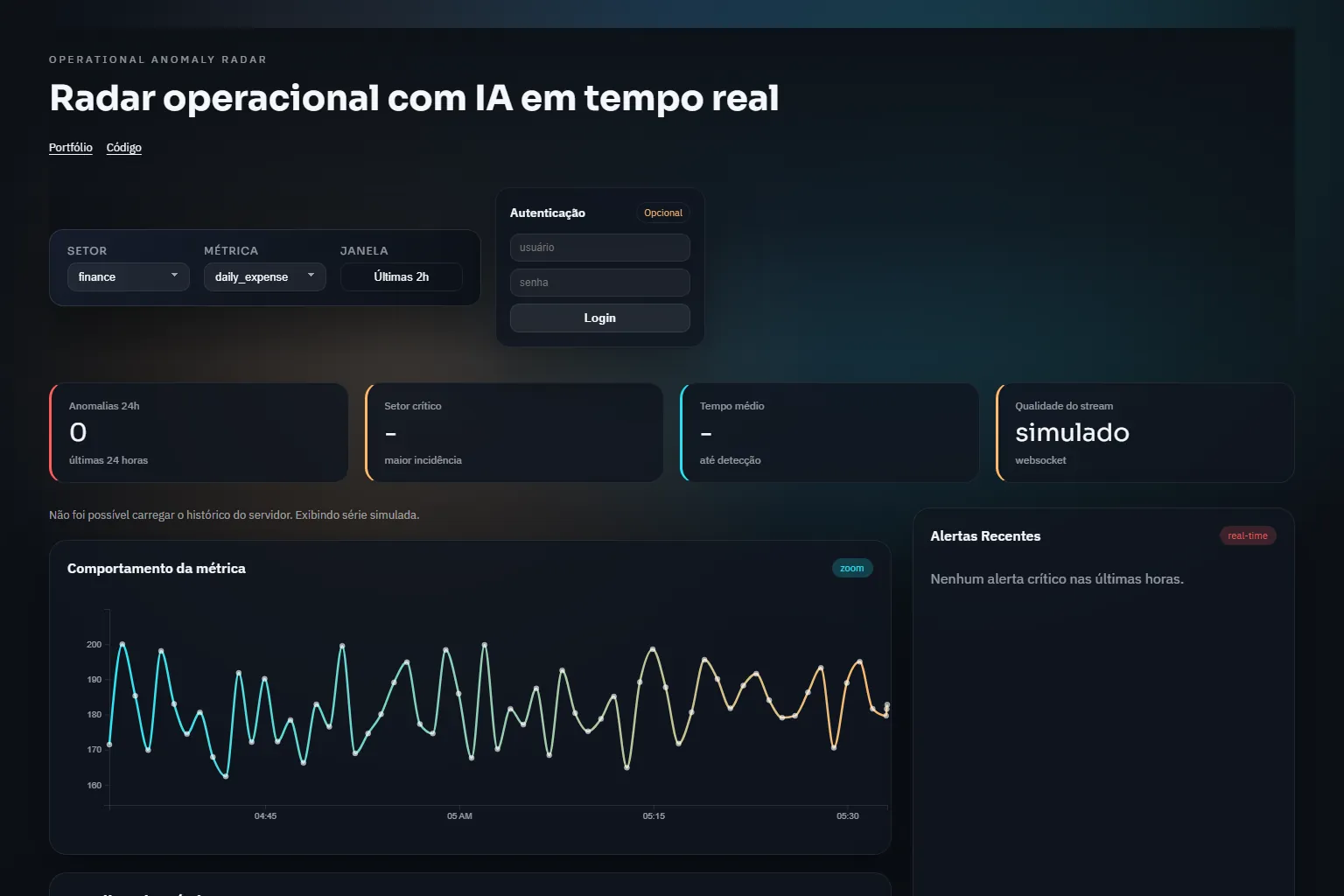
Operational Anomaly Detection

Unsupervised anomaly detection on operational metrics, with WebSocket alerts and a D3 chart.

View full case