Back to projects

Project case study

Dino Chrome

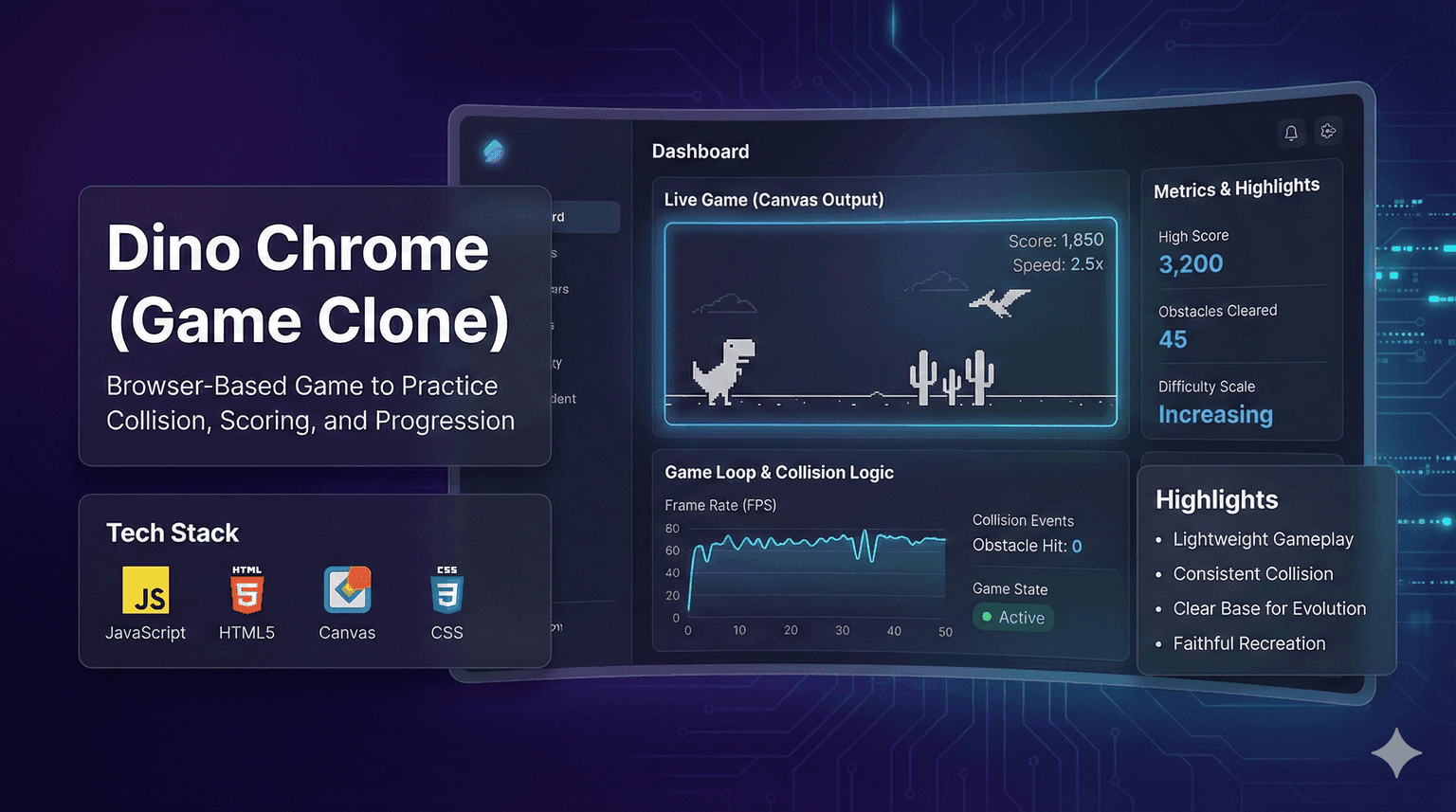
Clone of the Chrome Dino game to practice collision, scoring, and progression.
My roleDeveloper
Technologies used
  • JavaScript
  • HTML5
  • Canvas
  • CSS
Cover of Dino Chrome
Project cover

Problem

Build a stable browser-based game loop.

Detect collisions between the dino and obstacles in real time.

Solution

Architecture at a glance
  • Keyboard input for jump and movement.
  • Game state (speed, score, collisions).
  • Timers for obstacle spawn and reset.
Technical decisions
  1. Canvas rendering with a continuous loop.
  2. Simple collision system and obstacle reset.
  3. Gradual speed increase for challenge.

Result

Consolidated JS game loop fundamentals.

  • Game loop and Canvas rendering.
  • Collision logic and game state handling.
  • Modular front-end structure.
  • Rapid 2D game prototyping.

More about the project

Full case details, collapsed for optional reading.

Full description

Project created to practice game loop, collision, and character control in a simple 2D runner.

JavaScript and HTML5 Canvas for rendering and logic, with CSS for layout.

Implemented collisions and real-time scoring.

Left a solid base for future levels.

Problem

  • Scale difficulty without breaking gameplay.
  • Organize game states for quick restarts.
Features and highlights
  • Responsive jump controls.
  • Dynamic obstacles with progressive difficulty.
  • Real-time scoring.
  • Quick restart flow.
  • Lightweight and responsive browser gameplay.
  • Consistent collision logic.
  • Clear base for evolving mechanics and assets.
  • Faithful recreation of the classic Dino experience.
Technical architecture and data
  • Separation between game logic and UI.

Technical architecture

How the case was designed as a product

Clone of the Chrome Dino game to practice collision, scoring, and progression.

JavaScriptLanguageHTML5Web platformCanvasWeb platformCSSWeb platform

Data used

  • Keyboard input for jump and movement.
  • Game state (speed, score, collisions).
  • Timers for obstacle spawn and reset.
  • Sprites and on-screen positions.

Core components

  • Responsive jump controls.
  • Dynamic obstacles with progressive difficulty.
  • Real-time scoring.
  • Quick restart flow.

Technical decisions

  • Game loop and Canvas rendering.
  • Collision logic and game state handling.
  • Modular front-end structure.
  • Rapid 2D game prototyping.
How to run
  1. Clone the repository.
  2. Open index.html in a browser.
  3. Use the keyboard to control the character.
  4. Track the score and avoid obstacles.
Additional media
Gameplay of the Chrome Dino clone.
Credits

Developed by Matheus Siqueira.

Next projectAd Performance Intelligence

Next.js BI dashboard comparing Google Ads and Meta Ads on simulated data: KPIs, funnel and ROAS.

View full case