Back to projects

Project case study

3D Hands

Manipulating a WebGL 3D object with hand gestures read from the camera, in the browser.
My roleDeveloper
Technologies used
  • Three.js
  • MediaPipe Hands
  • Canvas API
  • JavaScript
  • Python
  • OpenCV
  • MediaPipe
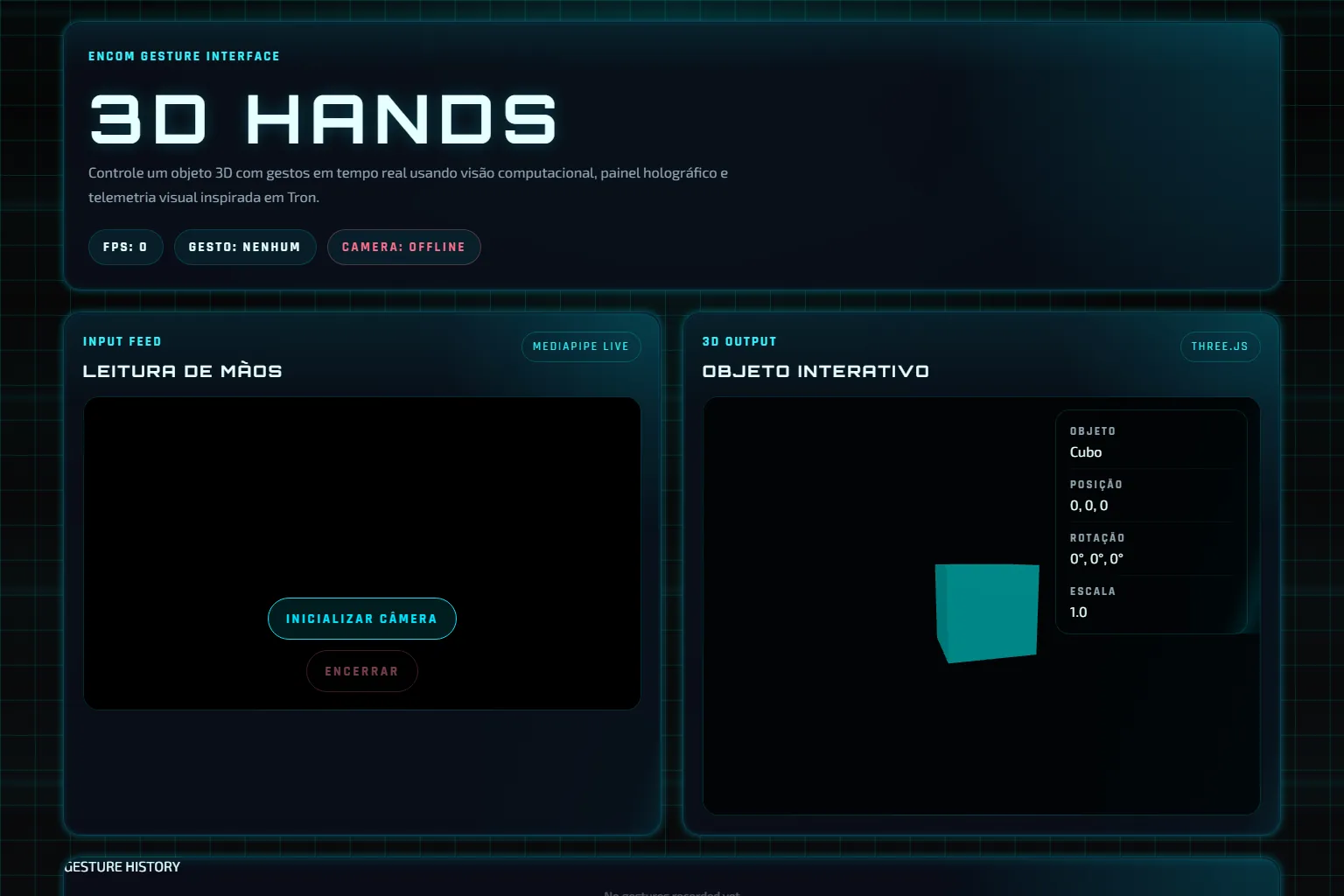
3D Hands interface with the hand-reading panel, the start-camera button and the 3D object.
3-d-hands.vercel.app / Home page

Problem

Manipulating a 3D object usually needs a mouse, touch or a physical controller.

Gestures need clear rules so they do not trigger actions by mistake.

Solution

Architecture at a glance
  • Frames from the user's camera, processed in the browser.
Technical decisions
  1. MediaPipe Hands tracks up to two hands and draws the landmarks on a Canvas 2D overlay.
  2. Rules classify 7 gestures; hold gestures only fire after 800 ms.
  3. Each gesture moves, zooms, rotates, resets or changes the shape and colour of a Three.js object.

Result

Scene frame time, p50
16.7 ms
Published demo, synthetic camera without detection / rAF for 10 s, headless Chromium 153, Intel UHD, DPR 1 / 13 Oct 2026
Python version tests
34
Public repository / pytest in tests/ / commit f481529

The project connects computer vision and WebGL in the browser, with a keyboard alternative.

  • WebGL with Three.js
  • In-browser computer vision
  • Touchless interaction
  • Keyboard alternative

Learnings and limitations

  • In the 6 Jun 2026 production build, the displayed confidence is a fixed value per gesture, except for the pinch; the fix sits in an unpublished PR.
  • The position, rotation and scale panel is not updated.
  • The guide mentions thumbs up and Z movement, which the code does not implement.
  • The web version has no tests; the 34 tests cover the Python version.

More about the project

Full case details, collapsed for optional reading.

Full description

3D Hands manipulates a WebGL 3D object with hand gestures read from the camera, without touching the device.

MediaPipe Hands tracks up to two hands; rules classify 7 gestures, and hold gestures only fire after 800 ms.

Each gesture moves, zooms, rotates, resets or changes the shape and colour of the Three.js object, and the same commands exist on the keyboard.

This description matches the 6 Jun 2026 production build; a newer version with fixes has not been published yet.

Static JavaScript site with Three.js and MediaPipe Hands loaded from a CDN and a Canvas 2D overlay; desktop version in Python with OpenCV and MediaPipe.

Features and highlights
  • 7 rule-based gestures, including two hands.
  • 5 shapes and 5 colours.
  • Keyboard shortcuts for the same actions.
  • History of the last 12 gestures.
  • Readable messages for camera errors.
  • Renders the WebGL scene at 16.7 ms per frame (p50) with a synthetic camera.
  • Requires 800 ms of a steady gesture before hold actions.
  • Offers keyboard shortcuts for people who do not use the camera.
  • Keeps a Python desktop version with 34 tests.
Technical architecture and data

Technical architecture

How the case was designed as a product

Manipulating a WebGL 3D object with hand gestures read from the camera, in the browser.

Three.jsVisualizationMediaPipe HandsAICanvas APIWeb platformJavaScriptLanguagePythonLanguageOpenCVAIMediaPipeAI

Data used

  • Frames from the user's camera, processed in the browser.

Core components

  • 7 rule-based gestures, including two hands.
  • 5 shapes and 5 colours.
  • Keyboard shortcuts for the same actions.
  • History of the last 12 gestures.
  • Readable messages for camera errors.

Technical decisions

  • WebGL with Three.js
  • In-browser computer vision
  • Touchless interaction
  • Keyboard alternative

Trade-offs

  • In the 6 Jun 2026 production build, the displayed confidence is a fixed value per gesture, except for the pinch; the fix sits in an unpublished PR.
  • The position, rotation and scale panel is not updated.
  • The guide mentions thumbs up and Z movement, which the code does not implement.
  • The web version has no tests; the 34 tests cover the Python version.
How to run
  1. npm install && npm run dev
  2. Desktop: pip install -r requirements.txt and python -m app.gesture_3d_main
  3. Python version tests: pytest tests/ -v
Credits

Developed by Matheus Siqueira - https://www.matheusdev.tech

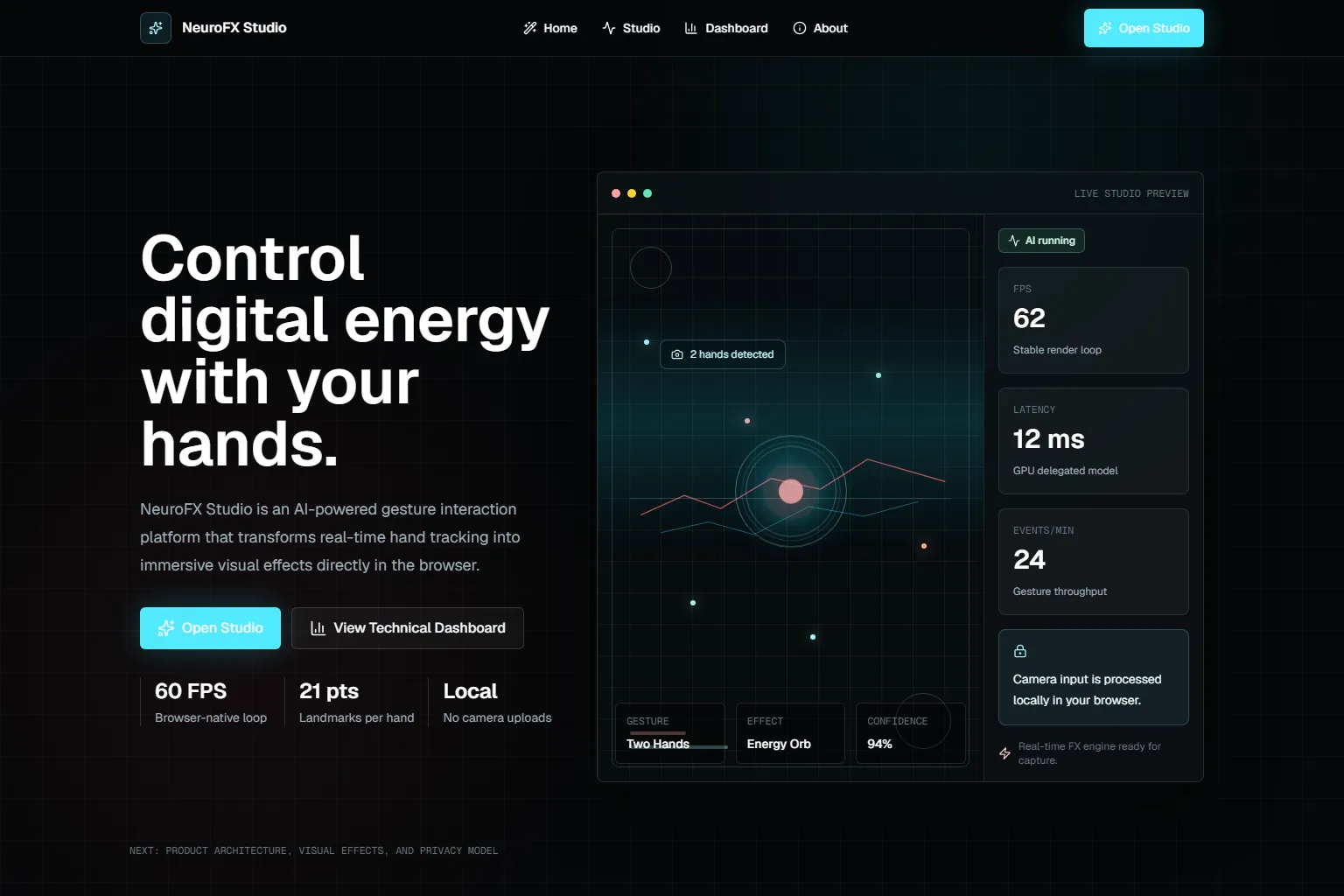
Next projectNeuroFX Studio

Studio that picks Canvas visual effects from hand gestures, with MediaPipe and processing in the browser.

View full case